
n8n OpenAI Integration
By Rick, NoCode Guide
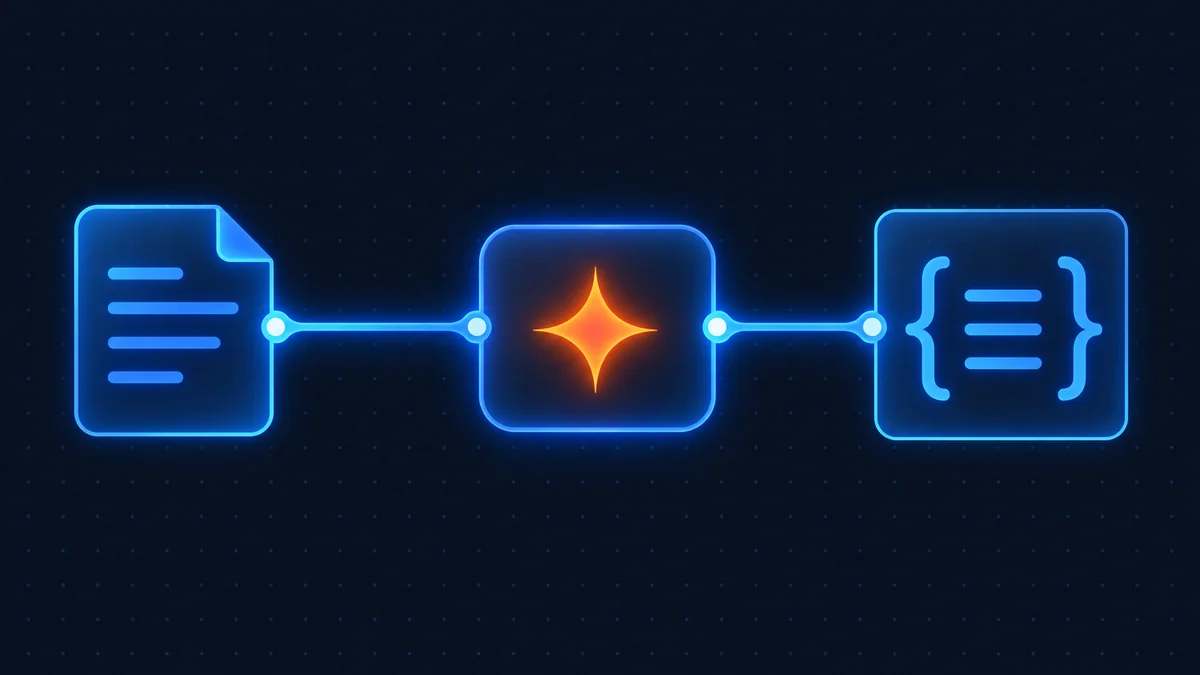
Add GPT models to n8n for summaries, replies, and structured data extraction. This guide covers prerequisites, credential setup, the numbered steps, an importable workflow, and troubleshooting.
Prerequisites
- A running n8n instance (self-hosted or Cloud).
- A OpenAI account with API access enabled.
- Your OpenAI API key or OAuth credentials to hand.
Credential setup
In n8n, open Credentials → New, search for OpenAI, and paste your API key or complete the OAuth flow. Save and give it a clear name so you can reuse it across workflows.
Step-by-step setup
Step 1: Add credentials
Create a OpenAI credential in n8n with your API key or OAuth login.
Step 2: Add the trigger or action node
Drop the OpenAI node onto the canvas and pick the operation.
Step 3: Import the example workflow
Paste the provided JSON via Import from Clipboard.
Step 4: Test and activate
Run once to confirm, then toggle the workflow active.
Import this workflow
Copy the JSON below, then in n8n choose Import from Clipboard and paste it:
{
  "name": "OpenAI example",
  "nodes": [],
  "connections": {}
}
Troubleshooting
- 401 / auth errors: re-create the credential and confirm the token scopes.
- Webhook not firing: ensure the workflow is active and your
N8N_WEBHOOK_URLis your public domain. - Rate limits: add a Wait node or batch requests to stay under OpenAI's limits.
Related: webhook guide and self-hosting hub. Official docs: n8n integrations documentation.
Disclosure: some links on this page are affiliate links. If you buy through them we may earn a commission at no extra cost to you.
Why n8n's billing model matters most on AI workflows
Model-driven workflows are long by nature. A typical one retrieves context, builds a prompt, calls the model, validates the structured output, maybe calls it again, then writes the result somewhere and tells someone. Six to ten steps is normal, and agent patterns that loop until a condition is met can run far more.
On a tool that bills per step, that shape is expensive before you have paid the model provider a cent. On n8n it is one execution per run regardless of length, which is the reason a lot of people building agents arrive here specifically. The model cost is the same wherever you host the workflow; the orchestration cost is where n8n wins.
Keeping the OpenAI bill under control
The orchestration being cheap makes it easy to forget that the model is not. Three habits keep the API bill proportionate.
Pick the smallest model that does the job. Classification, extraction and short summaries rarely need a frontier model. Default to a small, fast model and move up only when quality measurably falls short. The cost difference is often an order of magnitude.
Cap the output. Set a maximum token count on every call. A prompt that occasionally produces a runaway response will quietly multiply your cost until you notice, and a cap turns that into a visible truncation instead.
Cache what repeats. If the same input is going to produce the same output, store the result and check for it before calling the model. A Sheets or Postgres lookup costs nothing compared with a model call.
Structured output is the whole game
The difference between a demo and a workflow you can rely on is whether the model's output is something the next node can trust. Ask for JSON with a defined schema, validate it before using it, and route failures to a retry or a human rather than letting malformed output flow downstream. n8n's model nodes support structured output directly, and the workflow on this page uses it, because free-form text that you then try to parse with regular expressions is where these projects go to die.
Agents versus plain calls
A plain model call takes a prompt and returns a response. An agent decides which tools to call, calls them, and loops until it is done. n8n supports both, and the distinction has a cost consequence: an agent that loops ten times to answer a question made ten model calls, each billed by the provider, but it still counts as one n8n execution.
Use a plain call when the task is fixed, such as summarising a document or classifying a ticket. Use an agent when the task requires deciding what to do next based on intermediate results. Starting with an agent because it sounds more capable usually produces something slower, dearer and harder to debug than the plain call that would have sufficed.
Credentials and keys
Create a dedicated API key for n8n rather than reusing one from another project, so you can see its usage separately and revoke it without breaking anything else. Set a spending limit on it at the provider. And store it in n8n's credential store, where it is encrypted with your instance's N8N_ENCRYPTION_KEY, rather than in a workflow node or an environment variable that ends up in an exported file.
Frequently asked questions
Yes. The OpenAI node is included in n8n. You only pay for OpenAI's own plan if it charges for API access.
Copy the workflow JSON below, then in n8n choose Import from Clipboard and paste it. Add your credentials and activate.
Double-check the credential scopes and that your token or API key hasn't expired. Re-create the credential if in doubt.
Yes, the OpenAI integration works identically on n8n Cloud and self-hosted. See our self-host guide.
Related integrations
Connect Google Sheets to n8n with OAuth to append, update, and read rows automatically.
Send Slack messages from n8n, build slash-command bots, and route alerts to channels.
Set up the n8n Telegram trigger to build a bot that sends messages, photos, and alerts.