
Learn n8n the practical way.
Self-hosting, integrations, pricing, and copy-paste workflows for no-code automation. Real setups, honest comparisons, no fluff.
Start here
Everything you need, organised.
Workflow automation explained in plain English.
Run unlimited workflows from $6.49/mo.
Copy-paste Compose setup in 10 minutes.
Step-by-step production deployment.
Real cost and feature comparison.
Find your break-even point live.
Free tier, plans and hidden costs.
10 tools compared, free and paid.
Price-per-task math and verdict.
Features, pricing and who wins.
Setup guides for the top apps.
What actually saves you money.
Popular integrations
Each with a copy-paste workflow.
Connect Google Sheets to n8n with OAuth to append, update, and read rows automatically.
Add GPT models to n8n for summaries, replies, and structured data extraction.
Send Slack messages from n8n, build slash-command bots, and route alerts to channels.
Set up the n8n Telegram trigger to build a bot that sends messages, photos, and alerts.
Master the n8n Webhook and Respond to Webhook nodes for triggers, responses, and auth.
Connect WhatsApp Business Cloud to n8n to receive messages and send automated, AI-powered replies.
What this site covers
NoCode Guide is a reference for people running n8n in production, not a brochure. Every page here answers one question completely: what n8n costs, how to install it, how it compares to the tool you are currently paying for, and how to connect it to the services you already use. Prices and version numbers carry the date they were checked, so you can tell at a glance whether a page is current.
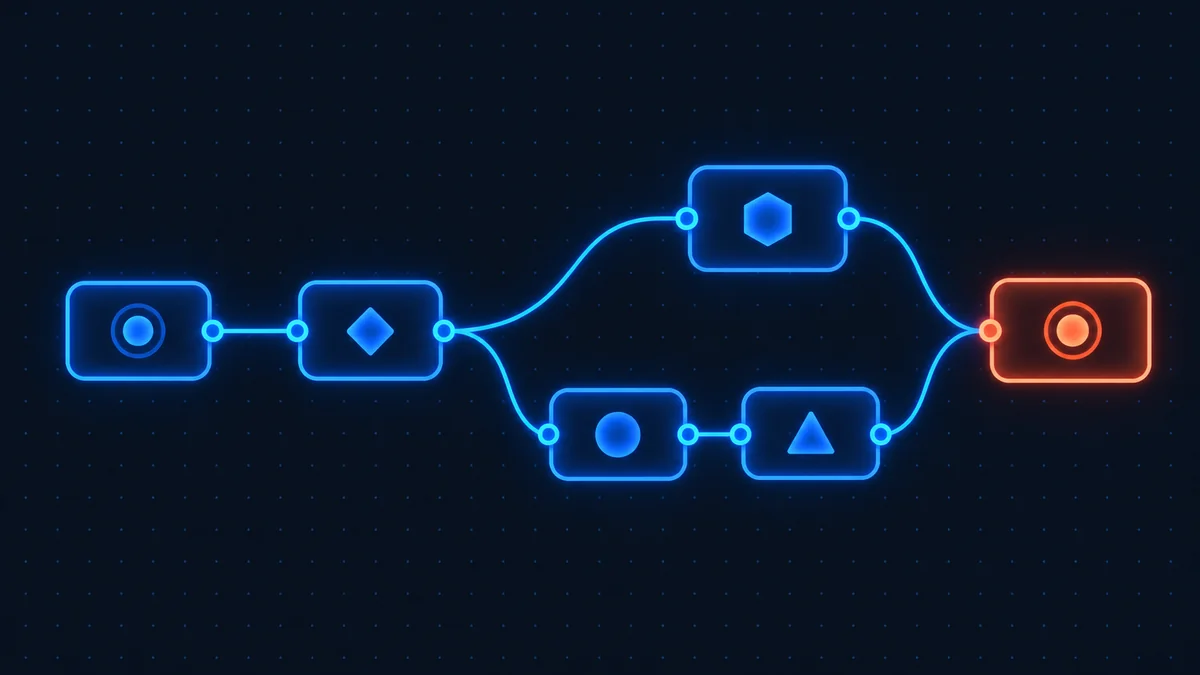
The short version of n8n: it is a workflow automation tool you can either rent as a hosted service or run yourself on a server you control. You build workflows by connecting nodes on a canvas, each node doing one job such as watching a webhook, reading a spreadsheet row, calling a model, or posting to Slack. The self-hosted Community Edition is free under the Sustainable Use License, which permits internal commercial use but not reselling n8n as a service of your own.
Where to start, depending on what you want
If you are still deciding whether n8n is the right tool, read what n8n is first, then what it costs. Those two pages answer most of what people arrive wanting to know.
If you already know you want it and the question is where to run it, the honest fork is cost against effort. Hosted n8n Cloud is billed per workflow execution and someone else handles upgrades and uptime. Self-hosting removes the execution ceiling entirely and costs whatever your server costs, but the upgrades, backups and security patches become yours. Our cloud versus self-hosted comparison lays out both sides, and the cost calculator puts real numbers against your own usage.
If you are migrating from another tool, the pricing model matters more than the feature list. Zapier bills a task for every successful action step, and Make bills a credit for every module operation. n8n bills one execution for an entire workflow run, no matter how many steps it contains. On a ten-step workflow that is roughly a tenfold difference in billable units for identical work, which is why complex automations get dramatically cheaper on n8n and simple two-step ones often do not. The Zapier comparison and the Make comparison work through what that means in practice.
What has changed recently
Three changes in 2026 affect almost every decision on this site. n8n removed the active-workflow caps from its Cloud plans, so executions are now the only meter and older articles quoting five or fifteen workflows are out of date. n8n 2.0 renamed the Docker tags everyone used, dropped MySQL and MariaDB as storage backends, and made task runners the default for code execution, which means a compose file from a 2025 tutorial will not build a correct instance today. And Make switched its billing unit from operations to credits, which changes how its plans compare. Every page here has been checked against those changes, and each one shows the date it was last verified so you know how far to trust it.
How to run it yourself
Self-hosting splits into two realistic paths. Docker Compose on a machine you already have suits anyone with a spare server or a home lab. A VPS suits everyone else, and several hosts now ship a prebuilt n8n image that gets you to a running instance without touching a compose file. The self-hosting hub covers both plus the things people discover late: task runners, which version tag to pin, and why the database choice matters when you eventually want to scale.