How to Update n8n Without Breaking Your Workflows
By Rick Kennerknecht, NoCode Guide
August 5, 2026
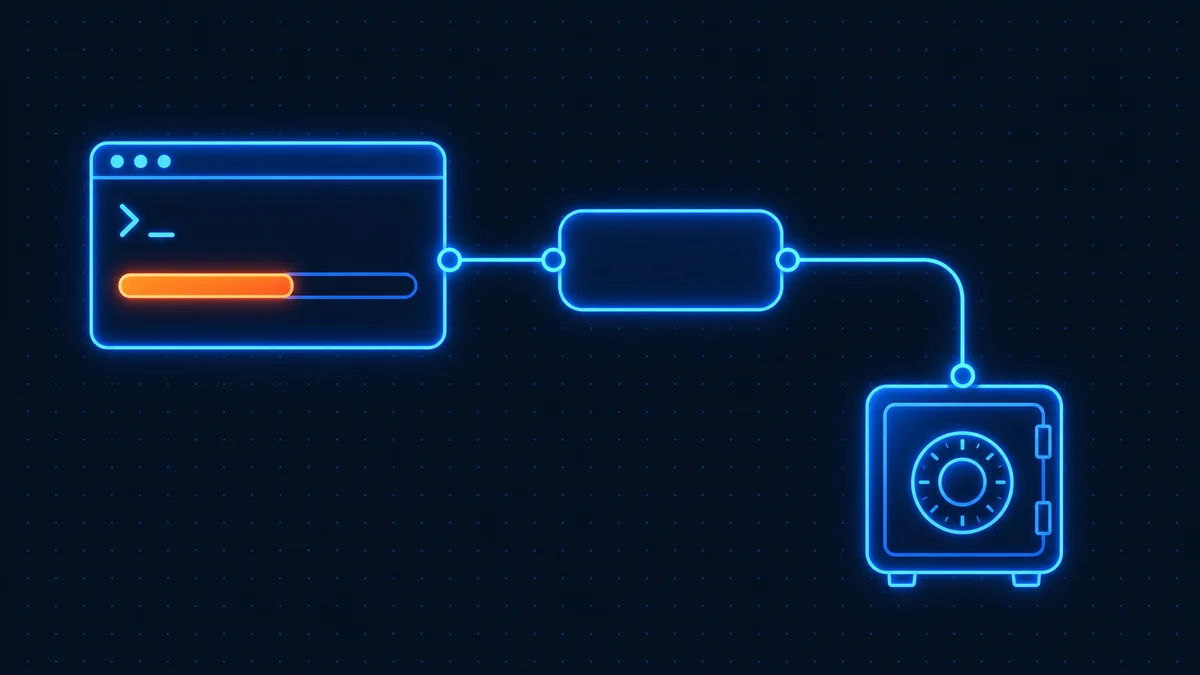
Updating n8n takes about five minutes: back up your data folder, pull the new Docker image, and restart the container. The part that saves you from disaster is the backup and the release-notes check first. Skipping those is how people lose workflows. Here is the safe order, tested on n8n 2.x as of July 2026.
Why n8n updates break things
n8n ships updates frequently, and most are painless. The breakage risk comes from three places: database migrations that run automatically on startup and cannot be reversed, nodes that change behavior between major versions, and community nodes that have not caught up with the new version yet. None of these are a reason to stay on an old version (outdated n8n instances miss security patches and new AI features), but they are the reason the order of steps below matters.
If you followed our n8n Docker installation guide, everything here matches that setup. If you are on n8n Cloud instead of self-hosting, you can stop reading: updates happen automatically and your only job is reading the changelog.
Step 1: Back up before you touch anything
Two backups, two minutes.
First, export your workflows from inside n8n: open your instance, go to the workflow list, select all, and use Download to save the JSON. That file re-imports into any n8n instance, any version. It is the backup that has saved the most people.
Second, back up the data folder. If you run the standard Docker setup with a volume:
docker run --rm -v n8n_data:/data -v $(pwd):/backup alpine tar czf /backup/n8n-backup-$(date +%F).tar.gz /dataIf you use Postgres, add a database dump:
docker compose exec postgres pg_dump -U n8n n8n > n8n-db-$(date +%F).sqlStore the files somewhere that is not the same server.
Step 2: Check the release notes for breaking changes
Before pulling anything, skim the official n8n release notes for the versions between yours and current. You are looking for one heading: "Breaking changes." Minor versions rarely have them; major versions (1.x → 2.x) always deserve five minutes of reading. Check that any community nodes you rely on list support for the target version.
Step 3: Update n8n with Docker
The standard update for a Docker Compose setup:
docker compose pull
docker compose down
docker compose up -d
That is the whole update. n8n runs its database migrations automatically on first startup. Give it a minute, then open your instance and confirm the version number in Settings.
Running plain Docker without Compose? The same logic applies: stop and remove the container, pull the new official n8n image from Docker Hub, and start a new container with the same volume mounts. Your data lives in the volume, not the container, which is why the backup in Step 1 plus correct volume flags make this safe.
If you deployed through a VPS one-click template, your provider's panel usually offers the same pull-and-restart in one button. The backup step still applies first.
Step 4: Verify your workflows still run
Do not assume. Open two or three of your most important workflows and execute them manually. Check that credentials still connect (OAuth tokens occasionally need a re-authorization after major updates), that webhook workflows still respond at their URLs, and that any AI or community nodes load without an error banner.
How to roll back if something broke
This is why you made the backup. Stop the container, restore the data folder from your tar file (or restore the database dump), then pin the previous version explicitly in your compose file, for example image: n8nio/n8n:2.43.6 instead of image: n8nio/n8n:stable, and start it again. Database migrations are not designed to be reversed, so downgrading without restoring the backup is not a safe path. Restoring is the only reliable way back, which is the single most important thing to know on this page.
Should you pin a version or ride "stable"?
For a production instance earning its keep, pin a specific version from the n8n release history on GitHub and update deliberately once a month using the steps above. For a tinkering instance, stable is fine. (n8n 2.0 renamed the tags: latest became stable and next became beta; the old names are being retired.) Either way, updating monthly keeps the migration jumps small. The horror stories almost always involve someone leaping eight versions at once.
Updating is also where self-hosting earns its cost advantage: you control when changes land, instead of waking up to them. If you have not chosen a setup yet, our self-hosting guide covers the options, and the cost calculator shows what running your own instance actually costs.
Frequently asked questions
Back up your data volume, then run docker compose pull, docker compose down, and docker compose up -d. n8n applies database migrations automatically on restart. Verify the new version number in Settings afterward.
No. Workflows live in the database, which persists in your Docker volume through updates. Data loss happens through missing volume mounts or failed migrations, which is why you back up the data folder and export workflow JSON before updating.
Only by restoring a backup taken before the update. Database migrations are not reversible, so pinning the old image version without restoring data will fail. Restore the data folder or database dump first, then pin the previous version.
Monthly is the practical rhythm for self-hosted instances. It keeps migration jumps small, picks up security patches promptly, and makes each individual update low-risk. Always read the release notes for breaking changes first.
Yes. N8n Cloud instances are updated by n8n GmbH with no action needed from you. Automatic updates are one of the main conveniences you pay for versus self-hosting.
Related guides
Last verified: August 2026 n8n error handling works in three layers: Retry On Fail on the node, On E
Last verified: August 2026 The fastest way to learn n8n is to import a working workflow and take it
Last verified: October 2026 n8n workflows are chains of nodes that start with a trigger, pass data b