
Low-Code vs No-Code: The Difference That Actually Matters
By Rick Kennerknecht, NoCode Guide
November 14, 2026
Last verified: October 2026
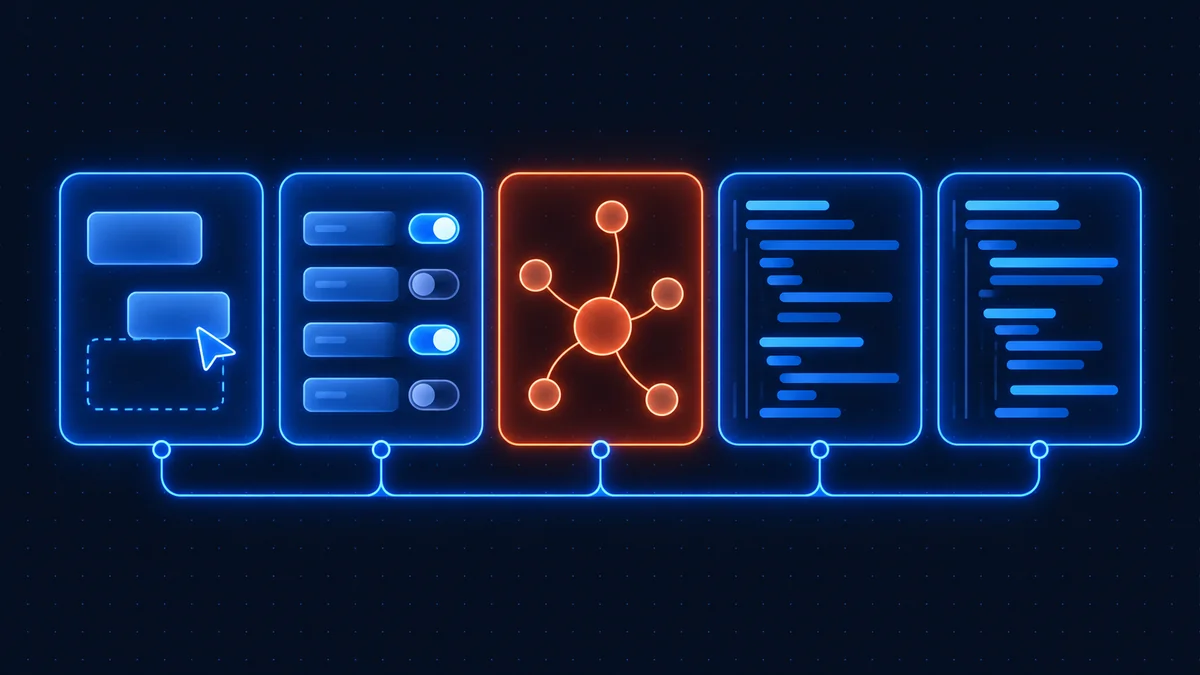
Low code vs no code comes down to who is expected to write code when the visual tools run out. No-code platforms stop at the edge of their boxes and menus; low-code platforms hand you a code editor at that edge. Both are visual-first. The difference is the escape hatch, and whether your team can use it.
That sounds like a small distinction. It decides who can build, who can maintain, what the tool costs when you grow, and whether the thing you built can leave the platform. Vendors blur it on purpose, because "no code" sells to one buyer and "low code" to another, and most products would like both.
Low code vs no code: the one-line difference
A no-code tool promises that everything you need is a setting. A low-code tool promises that most of what you need is a setting, and the rest is a text box that accepts JavaScript, SQL, Python or a formula language. The first is a product for people who will never write code. The second is a product for people who would rather not, most of the time.
What is low code: visual first, code where it counts
Low-code platforms give you a visual builder for the 80% that is the same in every project (screens, forms, data tables, connections to other systems) and a code layer for the 20% that is specific to you. The code is usually small: a transformation, a validation rule, a query, a call to an API the platform has no connector for.
The enterprise end of this market calls itself exactly that. Mendix's homepage cites its placement in Gartner's Magic Quadrant for "AI-Augmented Low-Code Application Platforms" and describes the product as giving "product owners, developers, architects and domain experts a shared agentic environment". OutSystems' site describes "visual, model-driven development" and says the platform is "purpose-built for large enterprises". Note who is in those sentences: developers and architects, alongside the business. Low code assumes someone technical is in the room.
What is no code: the box is the boundary
No-code platforms are built so that a person with no programming background can produce working software from menus, drag-and-drop canvases and prompts. Glide builds an app from a spreadsheet or a file. Zapier connects a trigger to an action. Squarespace turns a template into a site. The product's promise is that you never see a text editor, and the price of that promise is that when the menu does not have your option, you are done.
Many no-code tools quietly include a code step anyway. Zapier has a Code step; Bubble has plugins and a formula-like expression system it calls a visual programming language. The marketing stays "no code" because the typical user never opens those. That is fine, but it means the label describes the audience more than the product.
What is low code no code (LCNC), and why analysts merge them
You will see the two bolted together as "low-code/no-code" or LCNC in analyst reports and procurement documents. The merged term exists because, from a CIO's chair, both solve the same problem: more software demand than the development team can meet. Whether a given tool leans one way or the other is a detail at that altitude.
It is not a detail for you. If you are choosing a tool for a team of three with no developer, a product that is "LCNC" but really low code will stall the first time a screen needs a query. If you have a developer and pick a pure no-code tool, you will spend their time working around boxes they could have replaced with ten lines. Ignore the merged label and ask one question of any product: when the visual editor cannot do it, what happens next?
The spectrum: low code no code platforms with examples
Nothing is purely one or the other. Here is where the products I checked this month sit, based on their own pages and on what you actually do in them.
| Tool | Where it sits | What you do without code | Where code appears | Who it is for |
|---|---|---|---|---|
| Zapier, Make | No-code | Trigger one app, act in another, with filters and paths | Optional code step; Zapier bills it as one task | Ops and marketing staff |
| Glide, Softr, Adalo | No-code | A full app from a spreadsheet, Airtable base or hosted database | Not expected; formulas and API connections at most | Business users, small teams |
| Bubble | No-code with depth | Database, logic and UI in a visual programming language | Plugins and expressions; no code export on its pricing page | Founders and product people with time to learn |
| n8n | No-code canvas, low-code escape hatches | Triggers, built-in app nodes, HTTP Request, AI agents, branching | Expressions, a Code node (JavaScript or Python), community nodes | Ops generalists and developers, often on the same workflow |
| Retool | Low-code | Drag-and-drop screens on any database or API | Queries and logic written by "builders", which is also the billing unit | Engineering and ops teams building internal tools |
| FlutterFlow | Low-code with real code output | Visual mobile and web apps on a backend you choose | Custom code; source download on Basic and above | Mobile teams with a developer nearby |
| Mendix, OutSystems | Enterprise low-code | Model-driven apps and workflows with governance | Developer extensions, lifecycle and architecture tooling | Large enterprise IT departments |
Retool's pricing page makes the low-code position explicit in its billing: it charges per builder, defined as "a user who created or edited an app or workflow this billing cycle", separately from the internal users who only use the result. That split, builders versus users, is the low-code model in one line. No-code tools tend to charge for apps, records or runs instead, because they expect the builder and the user to be the same person.
Where n8n sits in low code vs no code
n8n is a no-code canvas with low-code escape hatches, and it is deliberate about both halves. You can build a complete workflow (trigger, branch, call three apps, send a message) without typing anything but field values, and that is how most people start. See what n8n is and the worked examples for the no-code half.
The escape hatches are three. Expressions let you put a one-line JavaScript snippet inside any field. The HTTP Request node talks to any API, including ones n8n has no node for, which is the single feature that stops most "the menu does not have it" dead ends. And the Code node runs full JavaScript or Python on a set of items. Here is a Code node that removes duplicate email addresses from whatever came out of the previous node, which is the kind of ten-line fix that no pure no-code tool can do without a paid add-on or a workaround:
// n8n Code node, mode: Run Once for All Items
const seen = new Set();
return $input.all().filter(item => {
  const key = (item.json.email || '').toLowerCase().trim();
  if (!key || seen.has(key)) return false;
  seen.add(key);
  return true;
});
Since n8n 2.0, Code node executions run on task runners rather than inside the main process, and Python needs the external runner alongside the main image; the task runner documentation covers the setup for a self-hosted instance. On n8n Cloud it is handled for you.
The practical effect is that one workflow can be built by an ops person and patched by a developer without either rewriting the other's work. That matters more than any feature list. And because the escape hatch is in the same canvas, there is no "we outgrew the tool" cliff of the kind you hit with a pure no-code product. If you are weighing it against the no-code automation tools, the n8n vs Make comparison is the closest like-for-like, and the alternatives round-up covers the rest.
No code vs low code: a decision table
| Your situation | Pick | Why |
|---|---|---|
| No developer on the team and none planned | No-code | An escape hatch nobody can use is a liability, not a feature. Choose the tool whose boxes fit the job today. |
| One developer, many requests | Low-code, or no-code with escape hatches | The developer handles the 20% in code and the rest of the team ships the 80% without them. |
| The hard part is the data model | Low-code on a real database | Retool, FlutterFlow or n8n on Postgres beats fighting a no-code builder's internal tables. |
| The hard part is the screens | No-code app builder | Bubble, Softr or Glide get a usable interface up far faster; see the app builder comparison. |
| Background processes, integrations, scheduled jobs | Automation tool with code escape hatches | This is n8n's job regardless of what the front end is built in. |
| Regulated enterprise with an IT department | Enterprise low-code | Governance, lifecycle and audit tooling is what Mendix and OutSystems sell, and you will need it. |
| You must be able to leave with the code | Low-code with export | FlutterFlow (source download on paid plans) and n8n (workflow JSON you can self-host) are the realistic options. |
The hand-off problem, and how to keep both camps working
The failure mode in mixed teams is not choosing the wrong category. It is that the no-code person builds something that works, the developer refuses to touch it because it is "not real code", and the thing becomes an orphan that one person understands. I have watched this happen with a Bubble app, a Zapier estate of 140 zaps, and a very large Airtable base. In each case the tool was fine. The hand-off was not.
Three habits fix most of it. First, keep the business logic in one place, ideally the automation layer, so the front end is thin and replaceable; an app builder posting to an n8n webhook is the pattern. Second, export everything that can be exported, on a schedule, into version control: n8n workflows as JSON, FlutterFlow projects to GitHub, database schemas as SQL. Third, write the one-paragraph note that explains why each workflow exists, because the canvas shows what it does and never why.
Do that and the low code vs no code question stops being a tribal one. The ops person builds on the canvas, the developer patches in the Code node, and both of them can read the result. The no-code platforms overview covers how the tool families fit together once you have picked a side for each job.
Frequently asked questions
No-code tools are built so a non-programmer can produce working software entirely from visual settings, and they stop where the menus stop. Low-code tools are visual first but include a code layer (JavaScript, SQL, Python or formulas) for the parts the visual editor cannot express, so they assume someone technical is available.
Both, by design. Most n8n workflows are built without typing code, using triggers, app nodes and branching on a visual canvas. When that runs out, expressions, the HTTP Request node and a Code node that runs JavaScript or Python are available in the same canvas, which is what makes it usable by ops staff and developers on the same workflow.
No-code examples include Zapier, Make, Glide, Softr, Adalo and Bubble. Low-code examples include Retool, FlutterFlow, and the enterprise platforms Mendix and OutSystems. n8n sits between them as a no-code canvas with code escape hatches.
Neither is better; they serve different teams. No-code wins when nobody on the team writes code and the tool's built-in options fit the job. Low-code wins when a developer is available, the data model is the hard part, or you need to be able to leave the platform with the source code.
For the visual parts, yes, and that is most of the work. The code layer is only needed at the edges, so a non-developer can build and ship on a low-code tool as long as someone technical can step in when a query or custom transformation is required.
Related guides
Updating n8n takes about five minutes: back up your data folder, pull the new Docker image, and rest
Last verified: August 2026 n8n error handling works in three layers: Retry On Fail on the node, On E
Last verified: August 2026 The fastest way to learn n8n is to import a working workflow and take it